
Prepare the conversation.
The intake form gathers patient-provided information and the history accessible in that context.
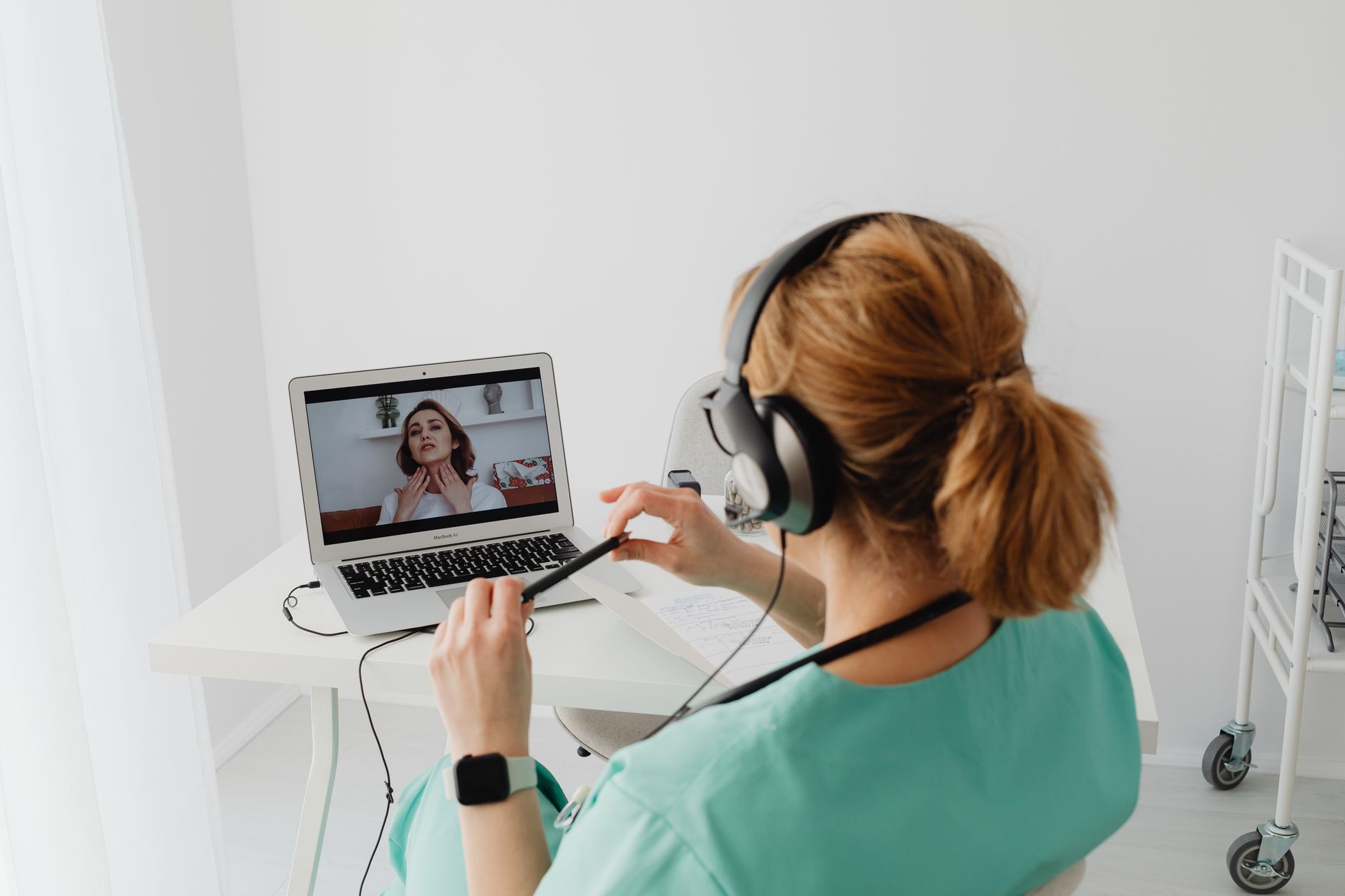
Gather patient context, follow the conversation and prepare records. The copilot and automations support in-person and remote consultations.
Illustrative product view
In person, your phone captures the conversation. A quiet setting helps capture both doctor and patient clearly. If needed, use a directional microphone on the desk.
With audio captured, the copilot and automations can support the consultation and prepare records for your review.
The assistant gathers context and highlights information not yet recorded. Clinical decisions stay with you.
The intake form gathers patient-provided information and the history accessible in that context.
The copilot follows available information without suggesting diagnoses, medication or dosages.
Available material after the consultation feeds the draft, review and approval process.

In person or remotely, consultations follow the same documentation process. Captured audio supports transcription and drafts; you check content and approve documents.
Explore records and reviewFor your medical practice
Tell us how you work, at which clinics and with which teams. The next step starts with your reality.